


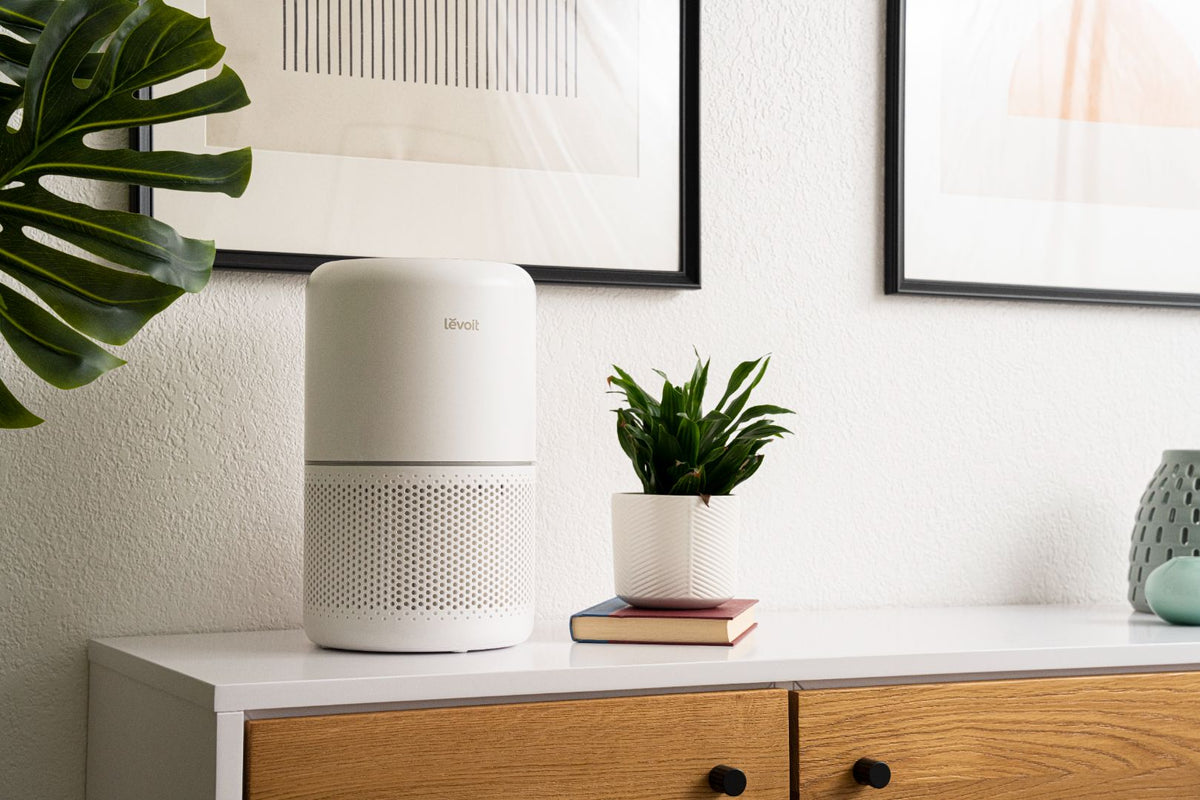
Regular maintenance helps keep an air purifier operating properly. Cleaning the exterior and the appropriate filter components can help maintain airflow, and keeping up with this routine is one of the simplest ways to support your unit's performance over time.
Not every filter component can be washed or cleaned in the same way, though. Some parts are designed to be vacuumed or rinsed, while others should only ever be replaced. Read on for a full breakdown of how to maintain and clean your air purifier the right way.
How Often Should I Clean an Air Purifier?
There isn't a single universal schedule that applies to every air purifier. Cleaning frequency depends on your specific model, how often you run it, your indoor environment, and factors like pets, smoke, and dust levels in your home.
That said, here's a general maintenance overview to guide you:
| Task | Suggested Frequency |
|---|---|
| Vacuum the pre-filter | Every 1–3 weeks |
| Wipe down the exterior | Every 2–4 weeks |
| Check airflow | Every 1–2 months |
| Replace main/activated carbon filter | Every 6–12 months (model-dependent) |
| Deep clean | Annually |
Households with pets, heavier dust, or frequent cooking or smoke exposure may need to clean and replace components more often than this general guide suggests. Always refer to your specific model's user manual for the most accurate recommendations.
How to Clean Your Levoit Air Purifier
Follow these steps for routine cleaning and maintenance.
Step 1: Unplug Your Air Purifier

Before you begin, unplug your air purifier for safety and have your cleaning supplies ready: a damp microfiber cloth, a soft-bristled brush, and a vacuum with a hose attachment.
Step 2: Clean the Exterior

Dust and debris can build up on your air purifier's exterior over time. We recommend:
- Wipe down all exterior surfaces, including the top, sides, front, and back.
- Make sure not to get any moisture into openings or vents, and make sure to get into crevices and corners where dust likes to accumulate.
- While you're at it, inspect the air intake and outlet for any visible debris that could restrict airflow.
For stubborn dirt, you can use a brush with soft bristles in addition to the damp cloth. This helps loosen debris so you can wipe it away more easily. Don't use abrasive cleaners or brushes, as they could scratch the surface.
Step 3: Clean and Maintain the Filter

Levoit air purifiers may use multiple filtration stages, such as a pre-filter, a main filter, and an activated carbon filter, and each one requires a different approach to cleaning. Some components can be vacuumed, some can be washed depending on the model, and others are designed to be replaced only, never washed.
Clean the Pre-Filter
The pre-filter is designed to capture larger particles like hair, lint, and coarse dust before they reach the main filter. In most cases, it should be gently vacuumed every 1–3 weeks. Some models allow the pre-filter to be rinsed with water, but always check your specific model's manual before washing, since not every pre-filter is designed to get wet.
When to Replace the Main or Activated Carbon Filter
Main filters and activated carbon filters are not washable and should be replaced rather than cleaned. For most Levoit models, these filters should be changed every 6–12 months, depending on the specific unit.
Actual filter life can vary based on several factors, including whether you have pets, exposure to smoke, general dust levels in your home, how often you run the unit, and which fan speed you typically use. Households with heavier air quality demands often find they need to replace filters closer to the 6-month mark, while lighter-use households may get closer to the full 12 months. Always use filters designed for your specific air purifier model and follow the instructions in your manual.
Step 4: Reassemble Your Air Purifier

Once cleaning is complete, make sure all parts are fully dry before reassembling. Reinstall the filter according to the orientation shown in your manual, and double-check that any plastic packaging has been fully removed from a new filter before putting it back in the unit.
Step 5: Power On and Check Airflow

It's important to make sure air is properly circulating through the filtration system. There are a few simple ways to check:
- Hold a tissue or piece of lightweight paper up to the air intake. It should be drawn towards the air purifier when the fan is running.
- Hold a tissue or paper near the air coming from the vents when the air purifier is on. You should feel a steady stream of air, and the airflow should be strong enough to cause the tissue to flutter.
If airflow feels weaker than expected, check a few common culprits first: confirm the filter is fully seated and installed correctly, check for blockages around the intake or outlet, and make sure all plastic packaging has been removed from a newly installed filter. If weak airflow persists after checking these, refer to your model's user manual for further troubleshooting.
Step 6: Reset the Filter Indicator

Most Levoit air purifiers have a Check Filter Indicator light. It's designed to come on after a certain period of time, usually between 6 and 12 months. Once the light turns on, your filter has reached the end of its usable lifespan.
While it may be tempting, don't ignore the indicator light. If you continue using a worn filter, the air purifier will become less effective at trapping particles and its airflow may also be restricted, reducing your air purifier's overall performance.
After replacing your filter, the indicator typically needs to be reset manually; simply installing a new filter usually doesn't clear it automatically. The reset method varies by model, so refer to your user manual for the exact steps. On applicable smart models, you may also be able to check filter status and reset the indicator directly through the VeSync app.
Deep Clean Your Air Purifier Annually
An annual deep clean is a key part of thorough air purifier maintenance. It's a good idea to schedule this either just before a heavy-use season, like before allergy season or wildfire season, or right after a lighter-use period when dust has had time to settle. Here are the steps for an intensive yearly cleaning:
- Unplug the unit and move it to an open area where you can easily access all sides. Make sure to have a vacuum ready.
- Use the hose attachment of your vacuum to clean any dust buildup on the exterior and around fan intakes. Take extra care around any electronic components.
- Remove the filter. Wipe down all interior and exterior surfaces with a microfiber cloth dampened with warm water and mild detergent. Avoid getting moisture in the openings.
- Use a cotton swab dipped in rubbing alcohol to gently clean around controls, outlets, and any small crevices.
- Check that all vents or intakes are clear of blockages like hair or dust buildup.
- Confirm the filter and protective grates are replaced properly before plugging back in.
- Run on the highest setting for 30–60 minutes to verify full airflow.
An intensive deep clean each year keeps your air purifier running like new and allows it to operate efficiently.
FAQ
Can I vacuum my air purifier filter?
We recommend you gently vacuum your Levoit filters. Refer to the user manual to learn how to properly clean and replace the filters.
Should I run my air purifier continuously?
It is recommended to run your air purifier continuously for optimal air purification and to maintain clean air quality. Running the air purifier nonstop ensures consistent filtration and effectively helps remove airborne pollutants, allergens, and odors. However, some air purifiers have adjustable fan speeds or timers that allow you to customize the operation according to your preferences and needs.
Can air purifiers help with pet allergens?
Air purifiers can help remove certain airborne pollutants, such as pet dander and hair. However, it's important to note that air purifiers do not eliminate or specifically treat allergies, and other measures may also be necessary.
Can I reuse my Levoit air purifier filter?
Pre-filters can typically be vacuumed for as long as they remain in good condition, since they're designed to be cleaned. Some models allow the pre-filter to be rinsed with water, but always check your specific model's manual before washing, since not every pre-filter is designed to get wet. Main filters and activated carbon filters, on the other hand, are not designed to be washed or reused; once they reach the end of their usable lifespan, they should be replaced rather than cleaned and put back in.
Summary
Keeping your air purifier clean is essential for maintaining optimal performance and ensuring fresh, healthy air in your home. Regular maintenance includes changing filters at the recommended intervals, wiping down the exterior every few weeks, and cleaning the interior during your annual deep clean. Additionally, checking airflow, monitoring the Check Filter Indicator, and resetting it after filter replacement will help extend the lifespan of your air purifier. By following these best practices, you can keep your device running efficiently and continue enjoying cleaner, fresher air every day.
The information provided here is for informational and educational purposes only and should not be used in medical emergencies or for diagnosing or treating any medical condition. It's crucial to consult a licensed medical professional for diagnosis and treatment. External links are for informational purposes and do not constitute endorsements. No warranty of any kind, either expressed or implied, is made as to the products and/or the accuracy, reliability, timeliness, or correctness of the information provided herein.